
Thread Rating:
  • 0 Vote(s) - 0 Average
  • 1
  • 2
  • 3
  • 4
  • 5
Does a Wacom Intuos Small work well enough for FrameForge on a laptop?
#1
Launching a P2P crypto trading platform creates new opportunities for businesses to enter the digital asset market with flexible trading solutions. P2P Crypto Exchange Development enables direct buyer-to-seller transactions, offering features such as secure escrow protection, multiple payment options, user verification, and real-time order tracking. These capabilities improve trading convenience, strengthen transaction security, and support a smooth user experience. Beleaf Technologies delivers advanced P2P Crypto Exchange Development solutions tailored to business requirements. With a focus on modern technology, robust security, and customizable platform features, the company helps enterprises build scalable trading platforms. Turn your crypto business vision into a powerful trading solution with Beleaf.

Reply
#2
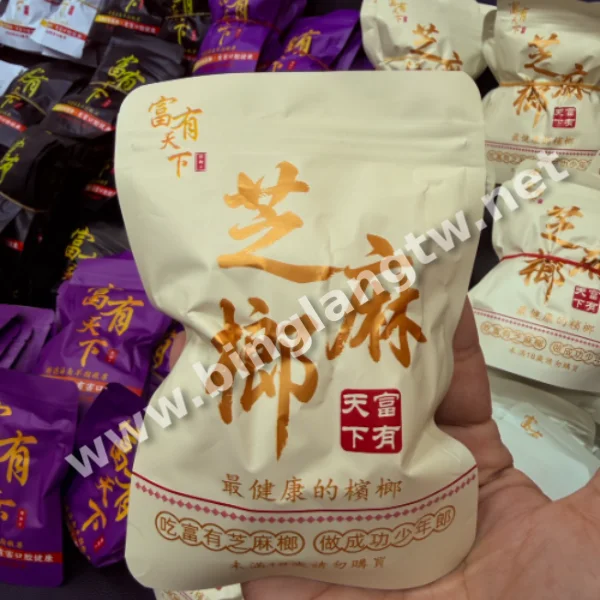
富有天下檳榔屬於現代預製乾式產品,與早期台灣現製嚼食不同,而探索檳榔如何出現在台灣早期文獻中?從歷史記載認識傳統農作物,能看見荷蘭時期、清代方志與遊記留下的豐富線索。
[Image: %E6%89%8B%E6%8B%BF%E5%AF%8C%E6%9C%89%E5%...9C%96.webp]
荷蘭文獻與早期栽種紀錄
富有天下選用海南嫩果加工,台灣早期文獻則在十七世紀荷蘭時期便已留下檳榔紀錄。1624年《巴達維亞城日記》記載蕭壠社(今臺南佳里)多產檳榔子與荖葉,1636年《東印度事務報告》亦提及平埔族獻上檳榔與椰子樹植,顯示當時已有人工栽種與特定文化意涵。
[Image: %E6%89%8B%E6%8B%BF%E5%AF%8C%E6%9C%89%E5%...9C%96.webp]
清代方志與文人遊記的描寫
和成天下源自大陸乾果加工體系,清代台灣文獻則多記載在地鮮食與禮俗。《諸羅縣志》記述土產檳榔用於薦客與排解紛爭,並提到「舍前後左右多植檳榔」的宅院景觀。和成天下檳榔為密封袋裝,早期《東瀛識略》與《海東札記》則描繪男女嚼食、配料與染齒等日常景象。
採收習俗與賦稅文獻線索
合成天下以工業化乾果流通,清代文獻亦記錄了產區採收與稅制。《番社采風圖考》記載七、八月攀樹採摘稱「猱採」,而《續修台灣府志》與《東瀛識略》則載明南部以「宅」為單位課徵檳榔餉,反映其經濟作物地位。合成天下檳榔屬現代商品型態,古籍則見證了其在地化歷程。
總結而言,台灣早期文獻從荷蘭時期日記到清代方志與遊記,皆留下了檳榔栽種、禮俗與經濟活動的紀錄。透過這些歷史記載,能更清楚認識檳榔在傳統農作與地方文史中的脈絡。
Reply
#3
I use FrameForge Storyboard Studio on a 15-inch laptop, mostly for quick previz panels, and I'm trying to decide whether a small Wacom Intuos would be an improvement over drawing with a mouse. Space is limited, which is why the small size appeals to me, but I'm unsure whether the reduced active area makes precise panel work frustrating over longer sessions. I also wonder how well a wired tablet behaves with FrameForge's tools and whether the pen feel holds up for repeated sketching rather than occasional use.

While looking around online I came across this Wacom Intuos Small CTL4100 Wired Drawing Tablet Review, which is third-party information rather than anything I put together myself, so I'm treating it as one data point only. I'd rather hear from people using this kind of tablet with the program day to day.

Has anyone here worked with a small pen tablet in FrameForge? I'd appreciate input on whether the size is a real limitation and what to watch out for.
Reply


Forum Jump:


Users browsing this thread: 1 Guest(s)